Inspections don't give you a heads-up.
Your time records always up to date, without depending on anyone. Every clock-in with the employee's PIN and every correction with a reason, who and when.
Clock-ins are part of your POS, not another app.
The law requires time tracking since 2019. With Qamarero, every clock-in comes from the same device you use to charge. No extra subscription, no extra training, no extra vendor.

Inspection-ready
Tamper-proof records with date, time and the employee's PIN. Excel export ready to present during a labour inspection.

Full traceability on every change
Correct a clock-in? It's logged: who did it, when and why. The history is visible in the day's detail view, for both the manager and the employee.

Built into your POS
No separate clock-in app. No extra bill. The employee arrives, clocks in with their PIN and starts working on the same system where they later take orders and charge.
Want to see it with your actual team?
15 minutes, no strings attached.
From clock-in to the inspection report.
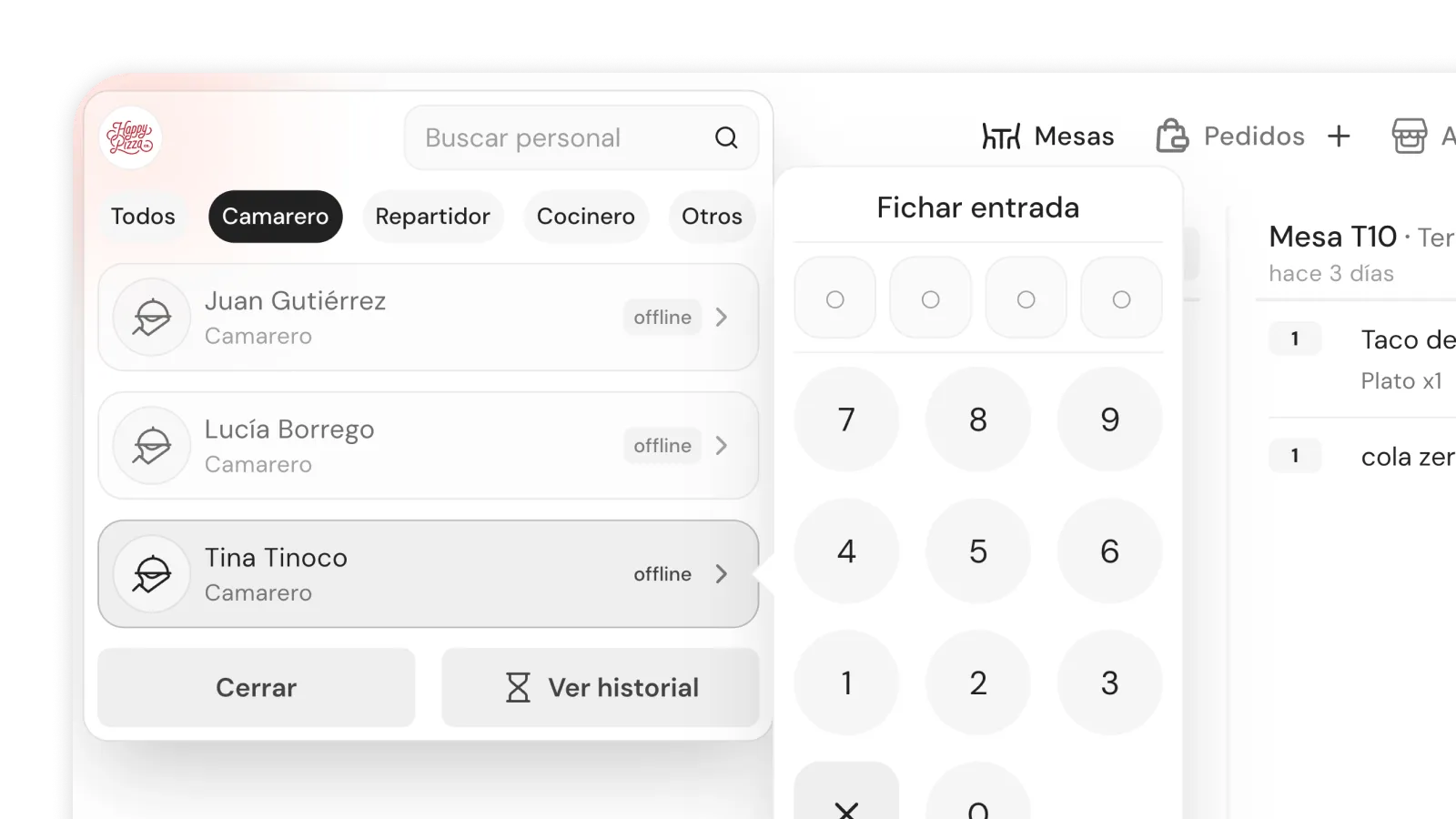
Clock-in with personal PIN
The employee opens the POS or tablet, enters their PIN and taps 'Clock in'. At the end of the shift, 'Clock out'. Exact time and user linked to each record.
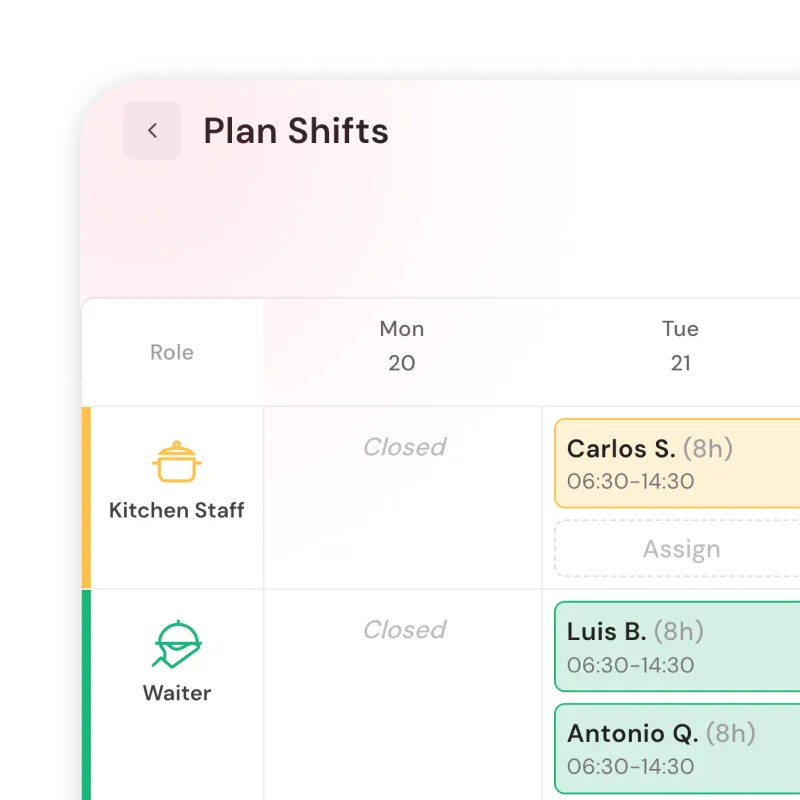
Who's working, right now
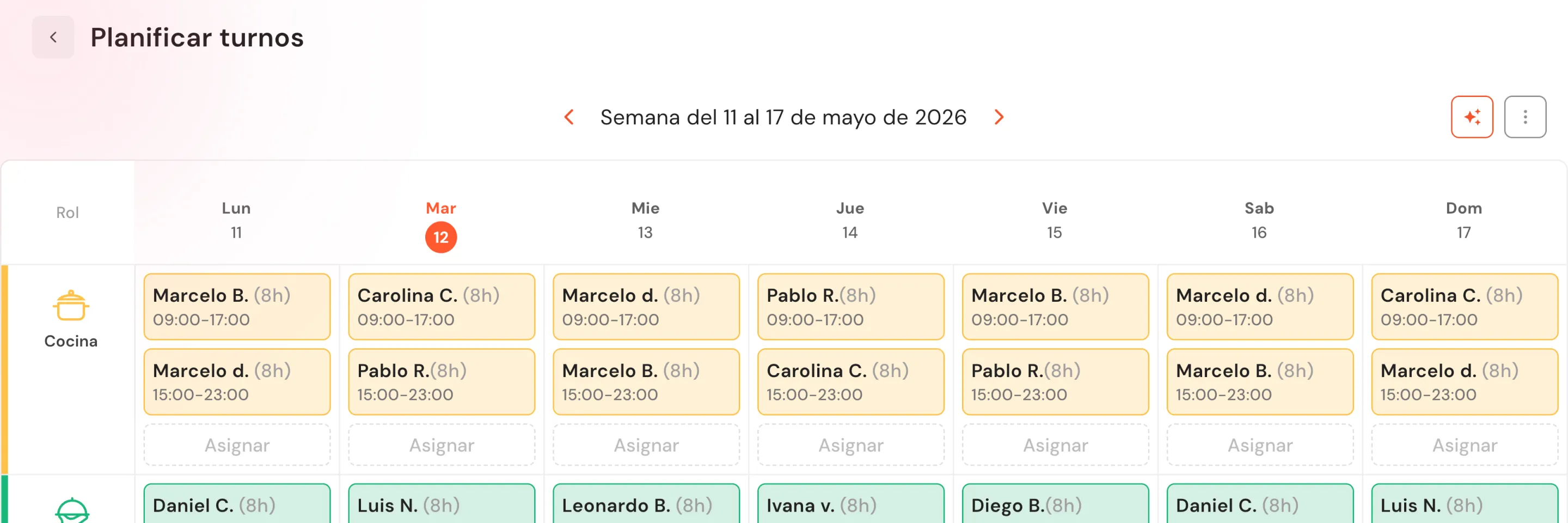
Real-time panel with filters: working, with a scheduled shift, incomplete clock-in, on overtime. Active clock-ins show elapsed time live.
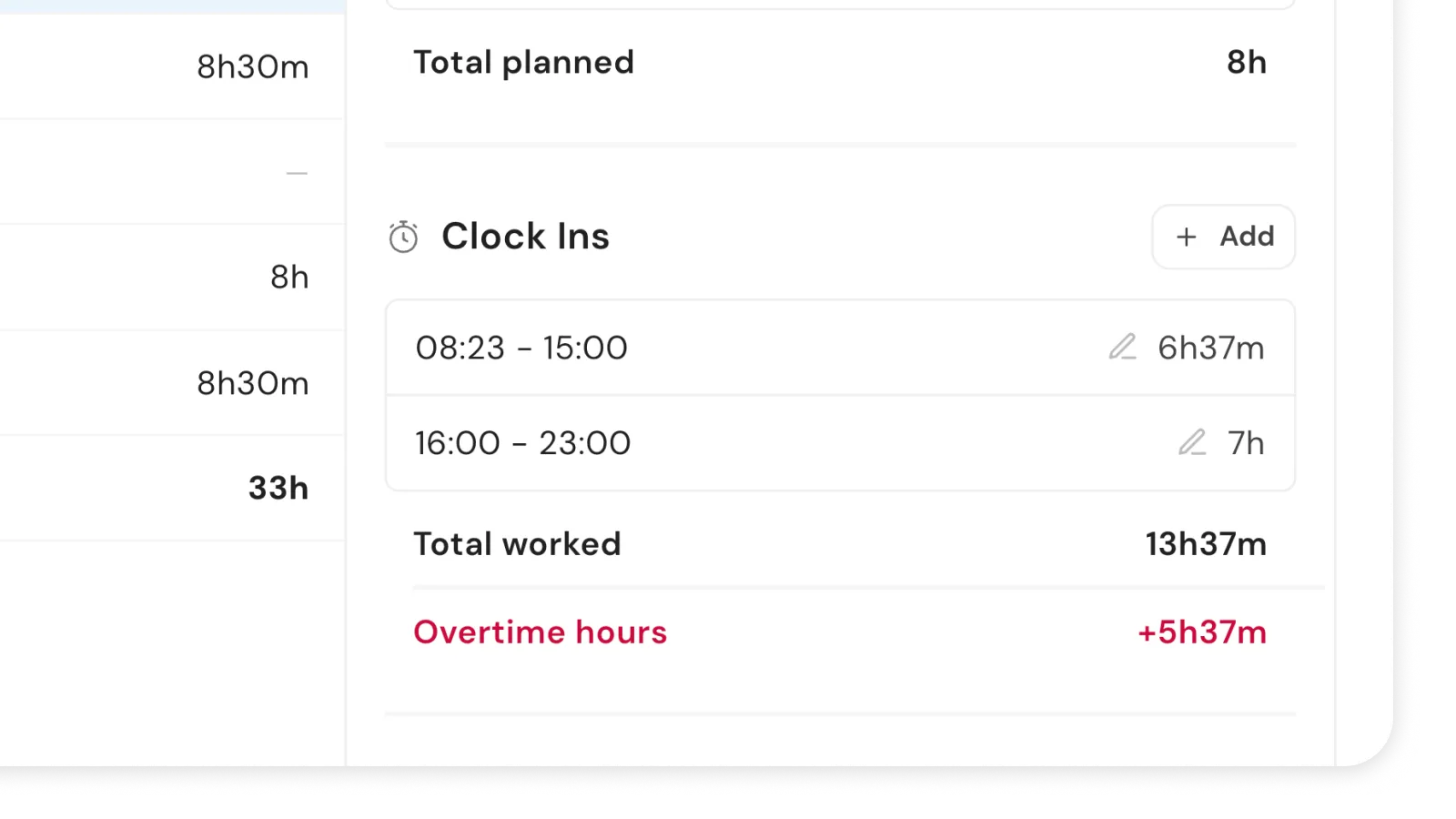
Overtime detected automatically
The system compares scheduled hours with actual hours worked and flags overtime automatically. No spreadsheets, no cross-checking lists by hand.
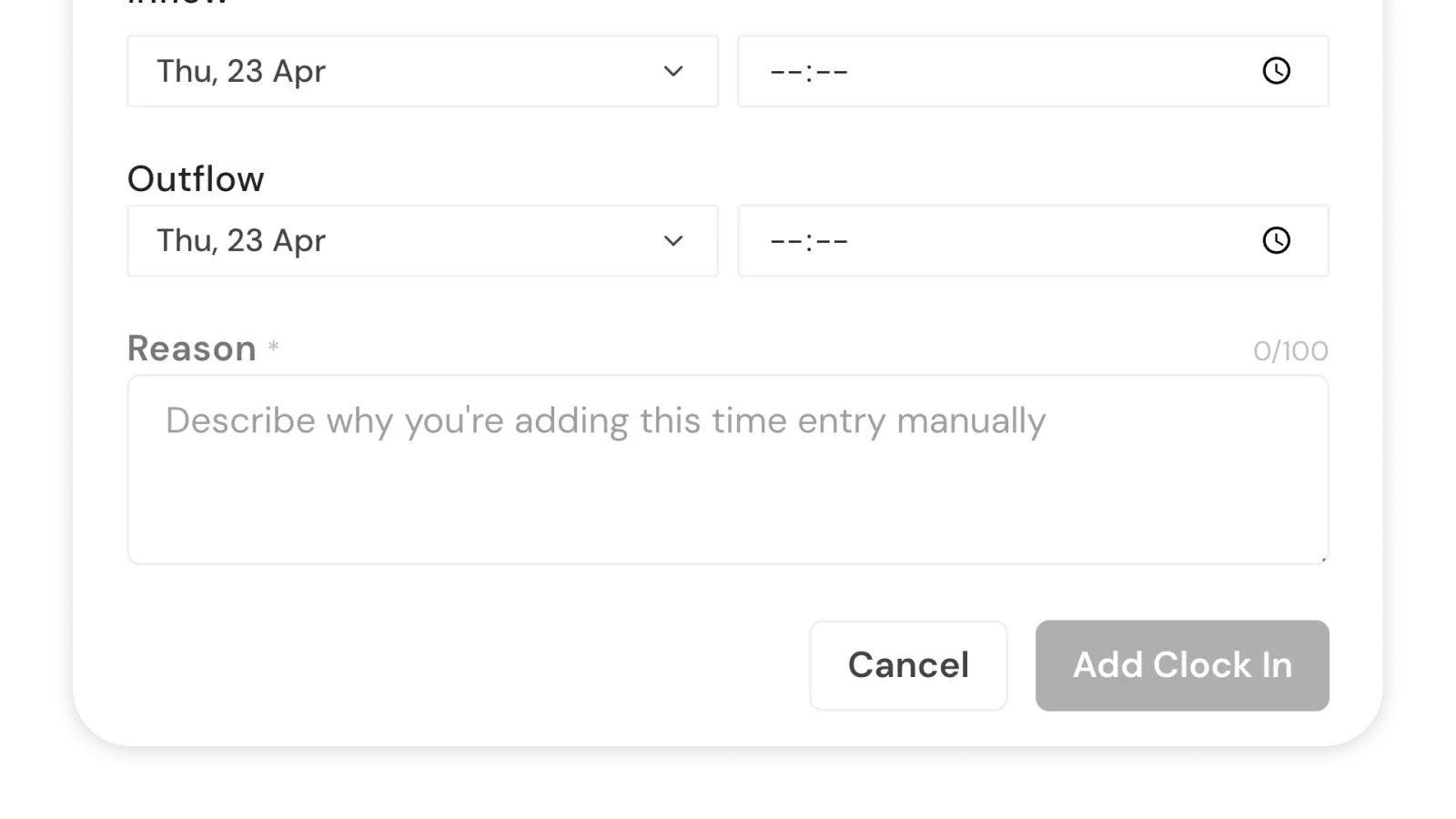
Corrections with a reason
Editing, voiding or adding a manual clock-in requires a reason (10 to 100 characters). Every change is logged with authorship, date and reason, visible in the day's history.
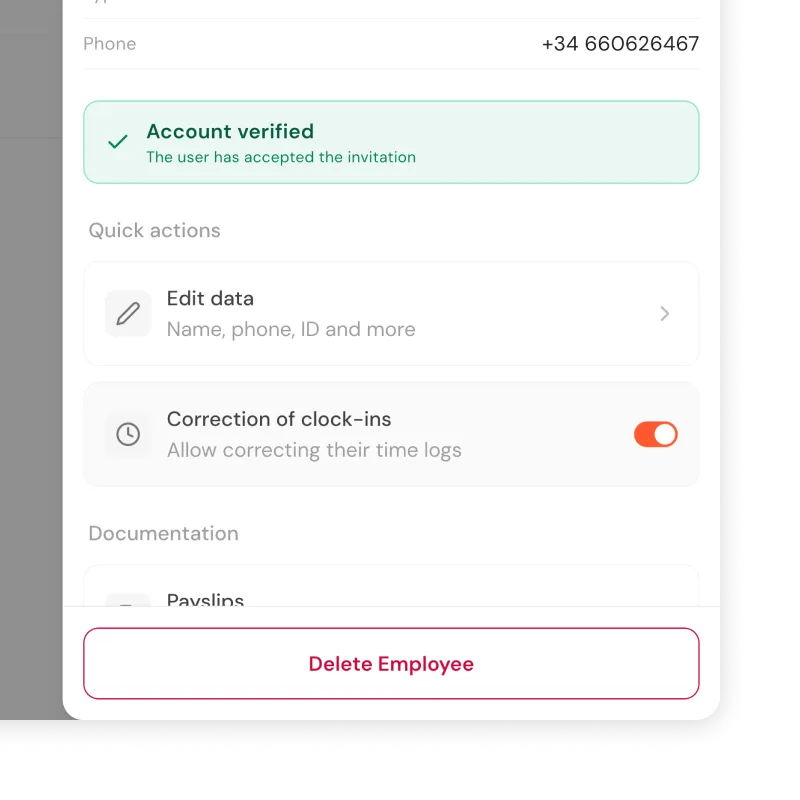
Employee self-correction
The manager decides, employee by employee, who can correct their own clock-ins. The same rules apply: mandatory reason and logged authorship. Permission can be revoked at any time.
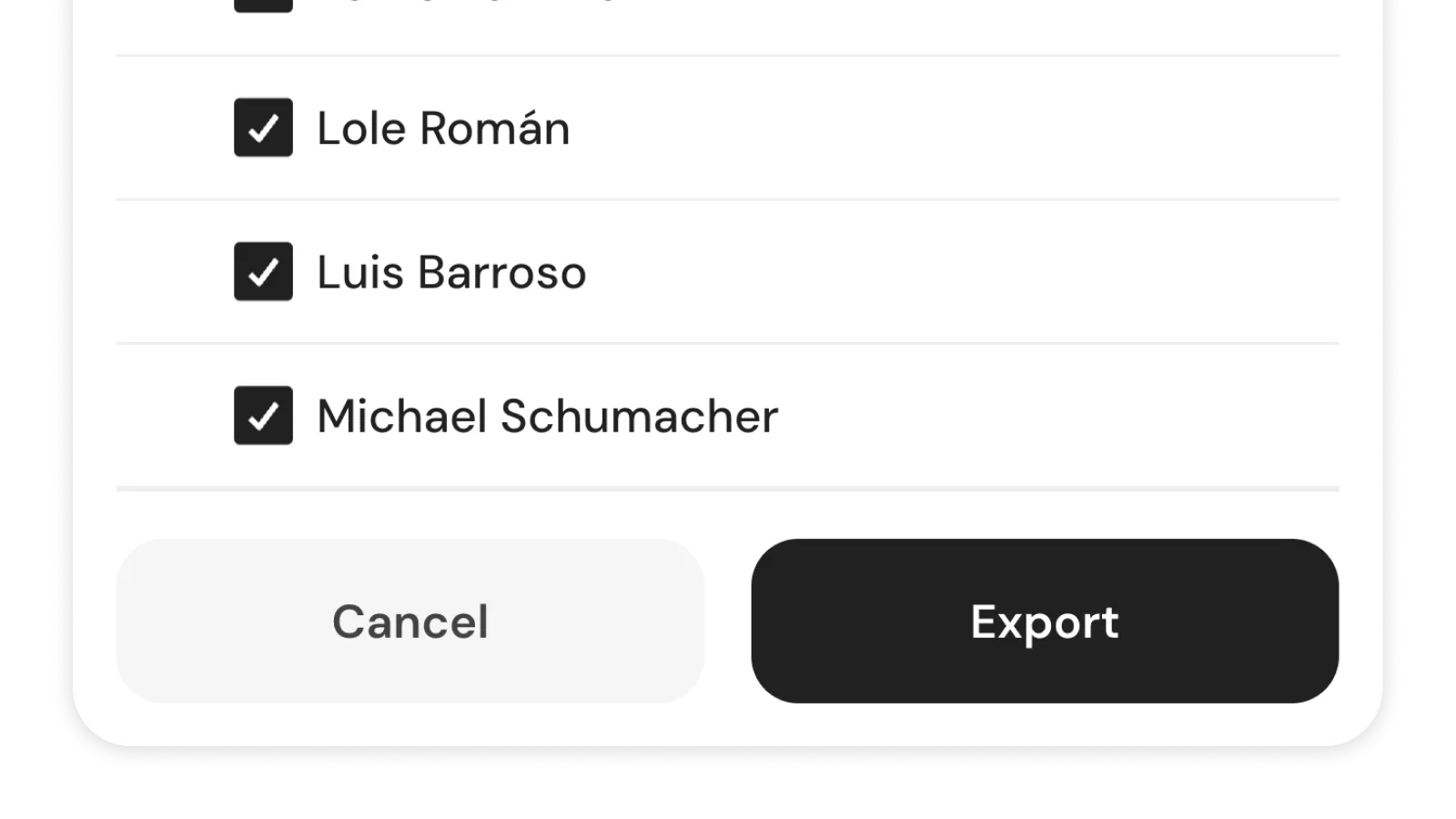
Export for inspection
Select employees and a period (day, week, month or custom range). Generate an Excel report per employee with all clock-ins, dates, times and hours worked.
Included on the Control plan from 199€/month.
Also on the Total plan. Not available on Basic, Growth or Delivery.
Frequently asked questions
Is time tracking mandatory?
Yes. In Spain, the law has required recording every employee's working hours since 2019.
Can't I just use a spreadsheet or a notebook?
No. Regulations require a tamper-proof digital system with traceability. A spreadsheet can be edited and a notebook gets lost. The first thing an inspector asks for is the system that generates them.
How do employees clock in?
With their personal PIN on the restaurant's POS or tablet. Clock-ins are not done from the employee's phone or by geolocation.
What happens if an employee forgets to clock in?
The system flags it as an incomplete clock-in. The manager can correct it with a reason, and the change is logged.
Is there a record of who modifies a clock-in?
Yes. Every correction, void or manual addition logs who did it, when and why. The history is visible in the day's detail view.
Can an employee correct their own clock-in?
Only if the manager enables the permission for them. The same rules apply: mandatory reason and logged authorship. The manager can revoke the permission at any time.
How do I detect overtime?
The system flags it automatically by comparing scheduled hours with actual hours worked.
How is this different from Sesame or Factorial?
Time Tracking is built into your POS. No extra subscription, no extra app, no integration to maintain.
What does the inspection export include?
An Excel report per employee with all clock-ins for the period: date, clock-in time, clock-out time and hours worked. Valid format for a labour inspection.
Got 15 minutes?
We'll show you the panel with your own sample team.