Let them order and pay from their phone.
They scan the table QR, browse the menu, confirm and pay. The order enters your POS and kitchen. Your team serves, not takes notes.
Three modes, the same system.
Order only (the waiter charges later), order and pay at the end, or order and pay instantly (self-service model). You decide how each table is served.

The order reaches the kitchen on its own
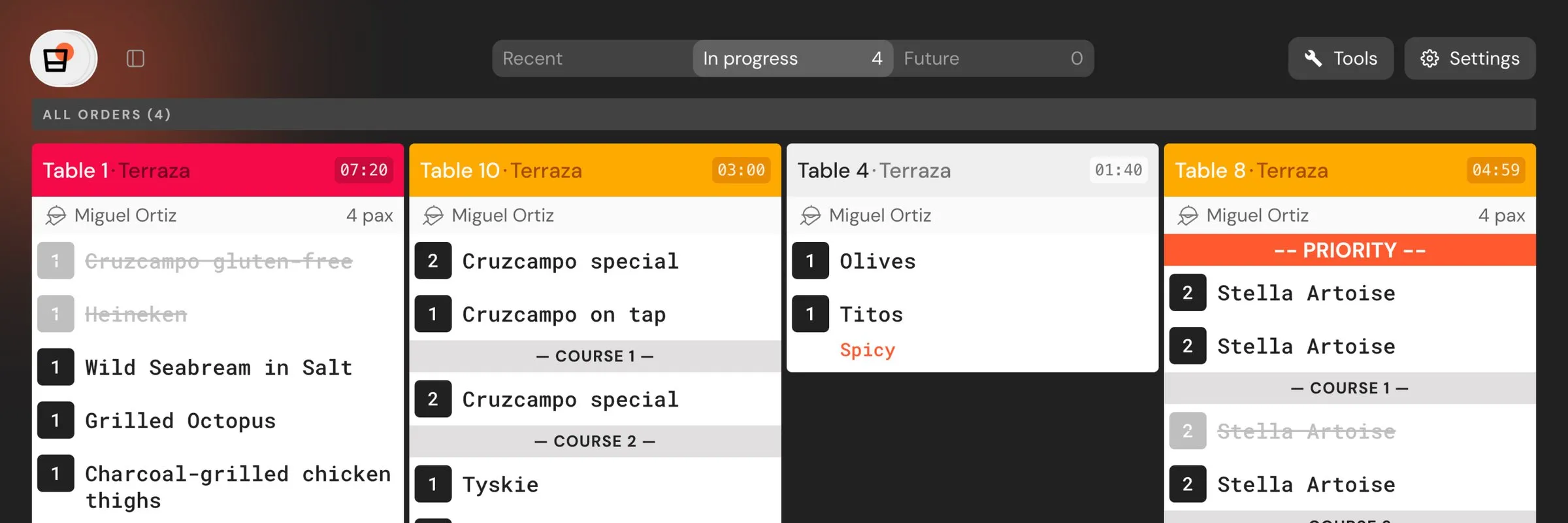
The guest confirms, the order enters the POS and the KDS. No waiter in between for order-taking, no transcriptions.

Native digital payments
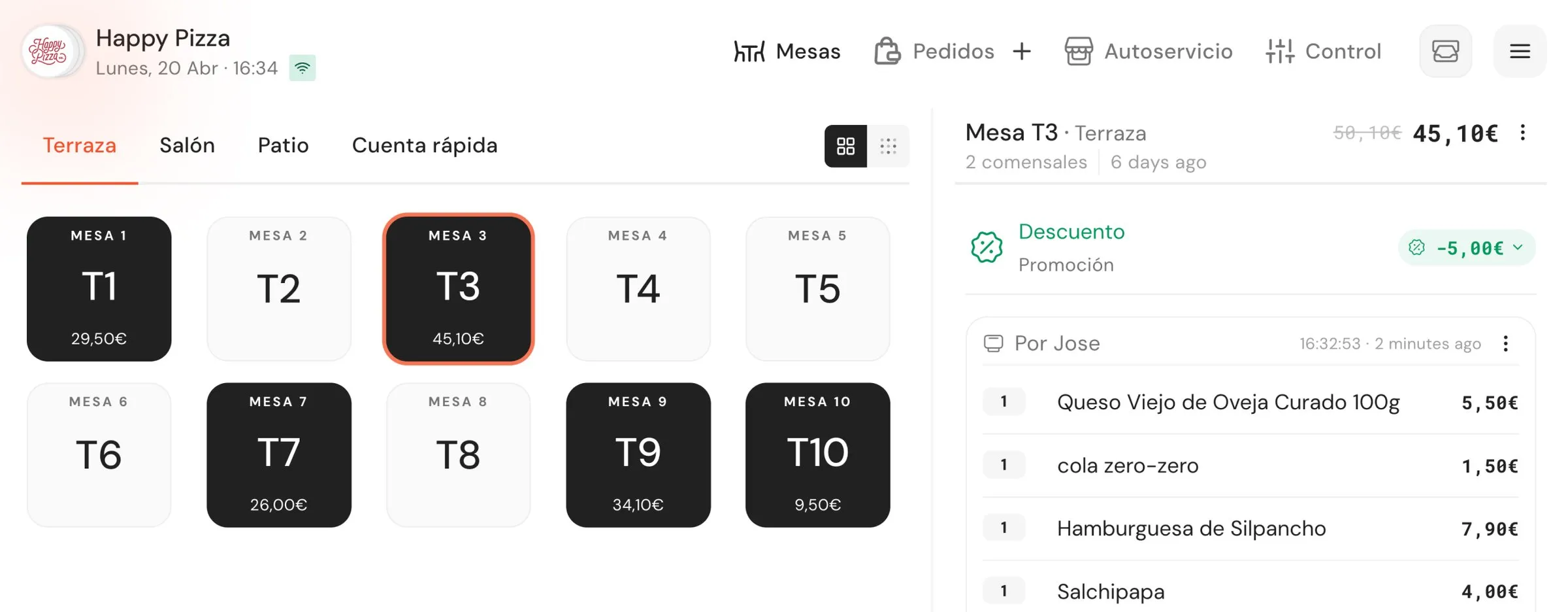
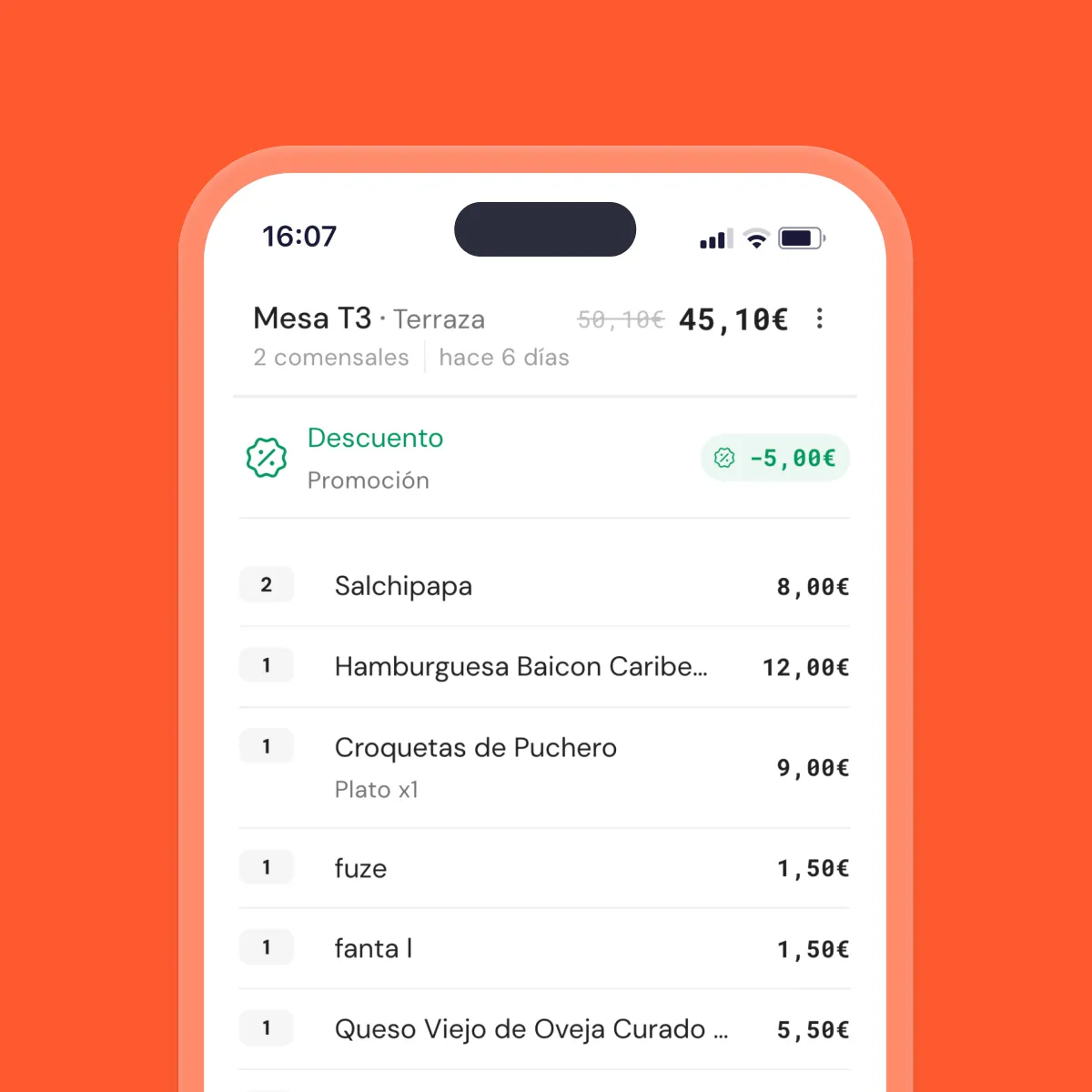
Card, Bizum, Apple Pay, Google Pay. When the total is covered, the table closes automatically and the waiter gets an alert.

Tipping and invoicing from the phone
The guest adds a tip by rounding, percentage or custom amount. They generate their invoice by filling in tax details, which are saved for next time.
Want to see it with your actual menu?
15 minutes, no strings attached.
From the table QR to the kitchen and checkout.
QR per table, no app
The guest scans with their phone camera and goes straight to your menu. No downloads, no account creation.
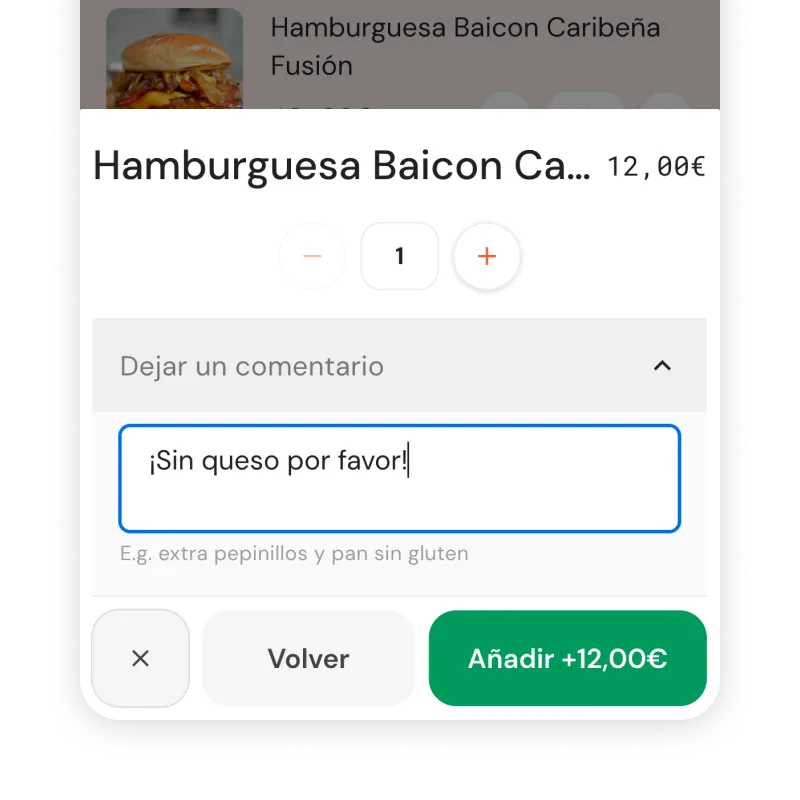
Menu with modifiers and notes
The guest customises each dish (sizes, extras, gluten-free, rare). They review with double confirmation before sending.
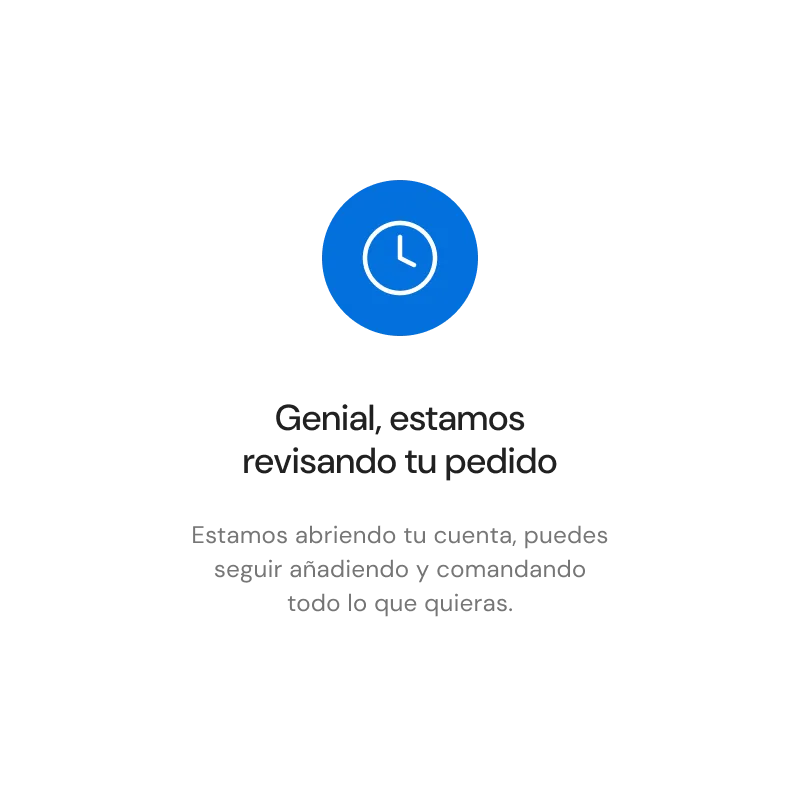
Order control
Enable manual approval if you want: the waiter reviews each QR order before it reaches the kitchen. Useful during peak hours.
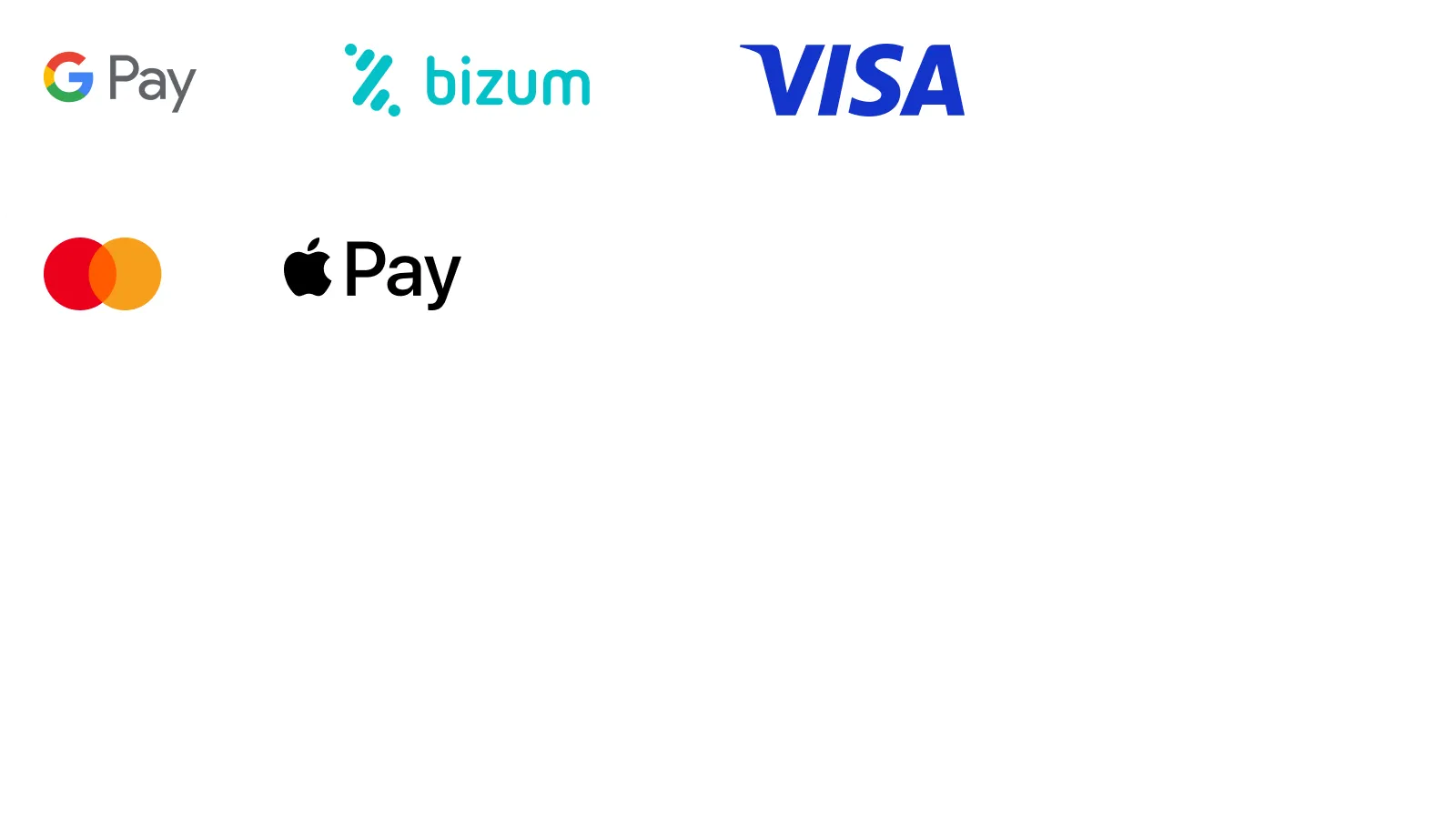
Pay by card, Bizum, Apple Pay and Google Pay
Integrated payment gateway via Stripe or Monei. Payment methods configurable from the admin panel.
Digital tipping
Rounding, percentage or custom amount. Appears as a natural step when confirming payment.
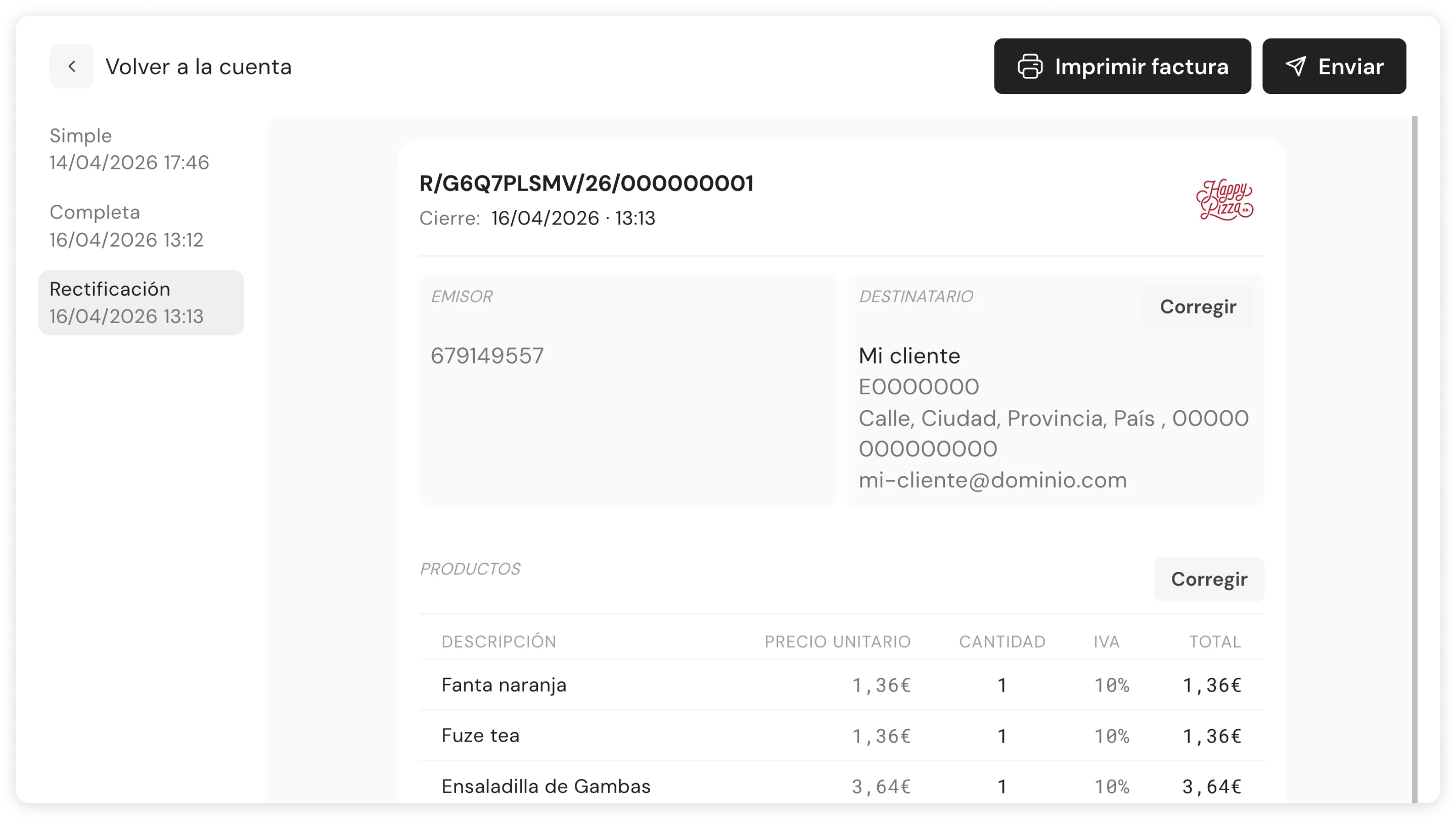
Automatic invoicing
The guest fills in their tax details once. They're saved for future visits and the invoice is generated automatically at checkout.
Included from 119€/month. On all plans.
Advanced tier adds filters, recommendations, automatic upselling and multi-language.
Frequently asked questions
How does the guest order and pay?
They scan the table QR, see the menu, choose items and confirm. If payment is enabled, they pick a method (card, Bizum, Apple Pay, Google Pay) and pay. No app download needed.
Can I approve orders before they reach the kitchen?
Yes. Enable 'order control' and the waiter reviews each QR order before it enters the KDS.
What ordering modes are there?
Order Only (guest orders, waiter charges later), Order & Pay (guest orders and pays at the end) and Pre-paid (guest orders and pays on confirmation, self-service model).
Can the guest generate their own invoice?
Yes. They enter their tax details at checkout and they're saved for future visits.
What if the guest doesn't want to use their phone?
The waiter charges the traditional way from the POS. Self-pay is an extra option, not a requirement.
Can the bill be split?
TODO — pending verification with CS. The commercial hooks mention 'each diner picks their own', but the Wiki FAQ says there's no automatic split. Clarifying the nuance before publishing.
What happens if a product runs out?
With stock enabled (Control plan), out-of-stock items are automatically blocked on the digital menu.
How is this different from Bizum or a card machine?
Bizum doesn't close the table, doesn't deduct stock, doesn't generate an invoice. The card machine requires the waiter to travel table to table. Here the POS closes the table automatically when payment is complete.
Want to see it with your menu?
15 minutes with your actual menu, no strings attached.