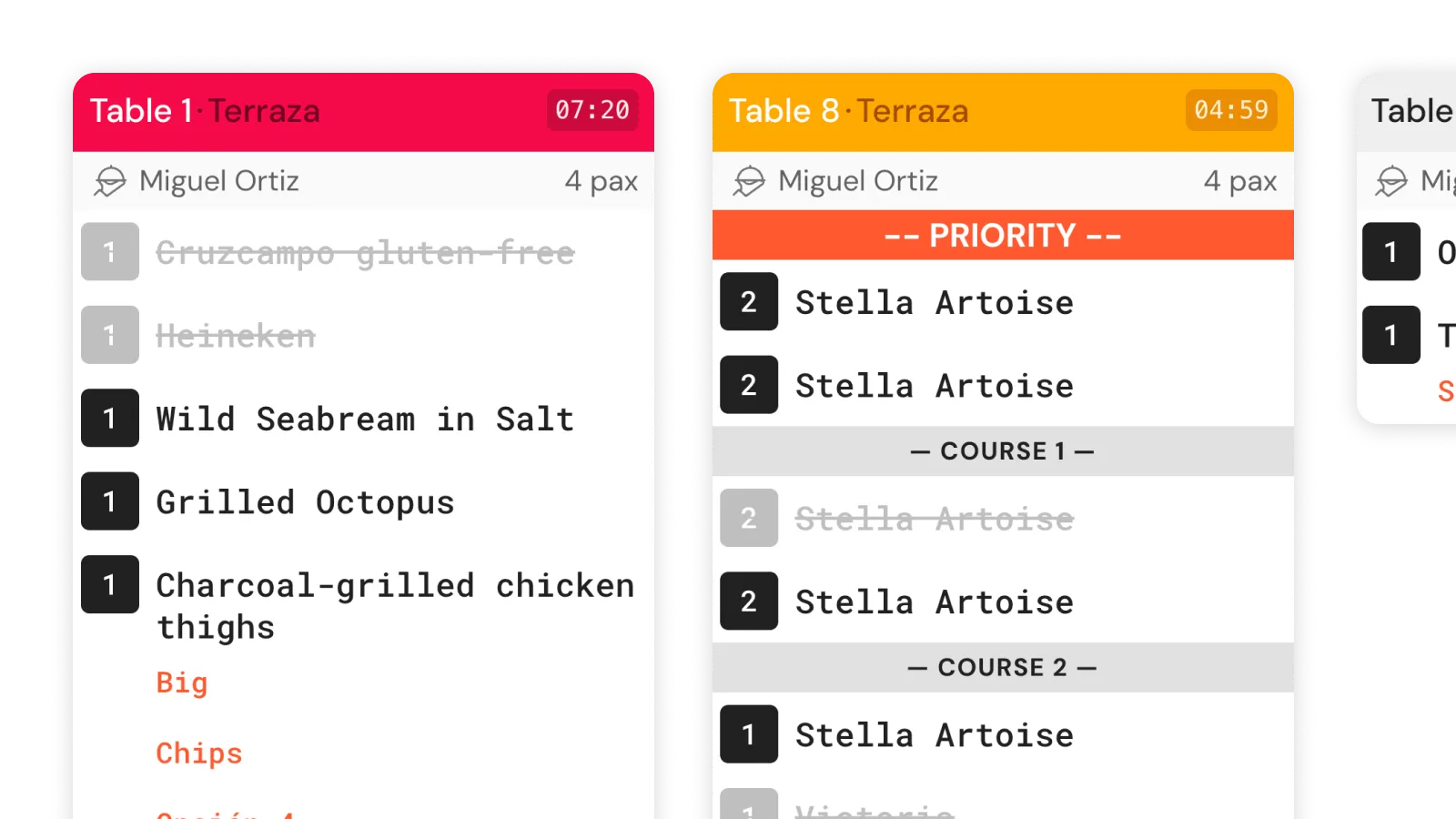
Your entire kitchen, on one screen.

Orders from dine-in, delivery, QR and the Waiter App all reach the same KDS. Your team sees what to prepare, updates the status, and the floor gets the 'ready' alert without a word.

Try the KDS
Qamarero KDS screen showing orders in a restaurant kitchen
WHY THIS KDS

The KDS comes with your POS.

Dine-in, delivery, QR and the Waiter App all reach the KDS natively. No integrations, no per-aggregator tablets. The only thing you provide is the screen.

KDS included icon

Included from the Basic plan

The software is already included in every plan. All you need is an Android tablet or an HDMI screen.

Centralised channels icon

Every channel in one place

Orders from POS, Waiter App, QR and delivery all reach the KDS the same way. One screen, one workflow. Zero loose tablets in the kitchen.

Kitchen data icon

Real service data

Prep times per dish, per cook and per shift. After a few weeks you have real data to adjust your menu or your team.

Want us to show you with your menu?

15 minutes, no strings attached.

Try it in my kitchen
WHAT IT DOES

From the order to the plate, coordinated on screen.
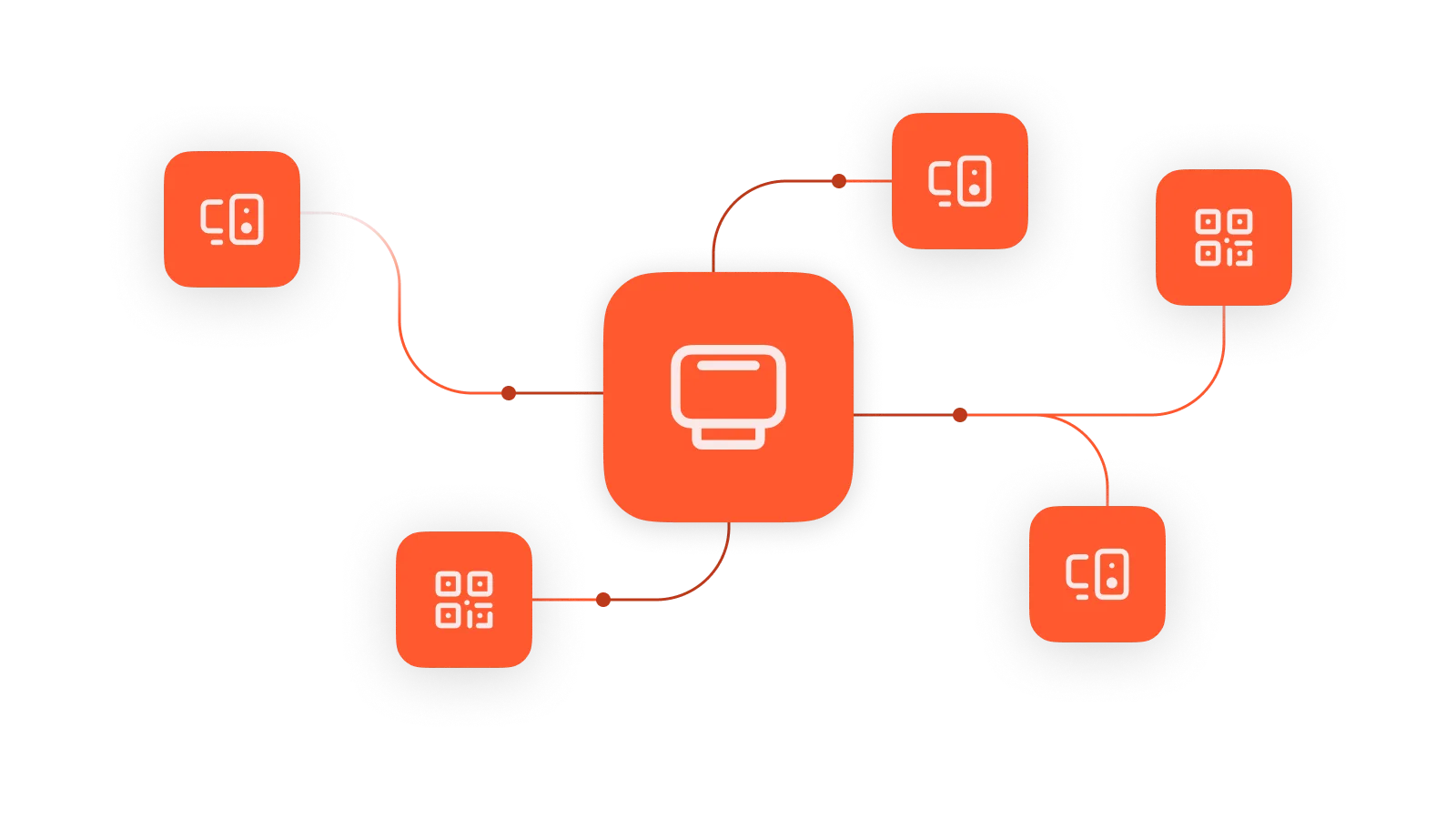
Multi-channel orders on the KDS

Orders from every channel

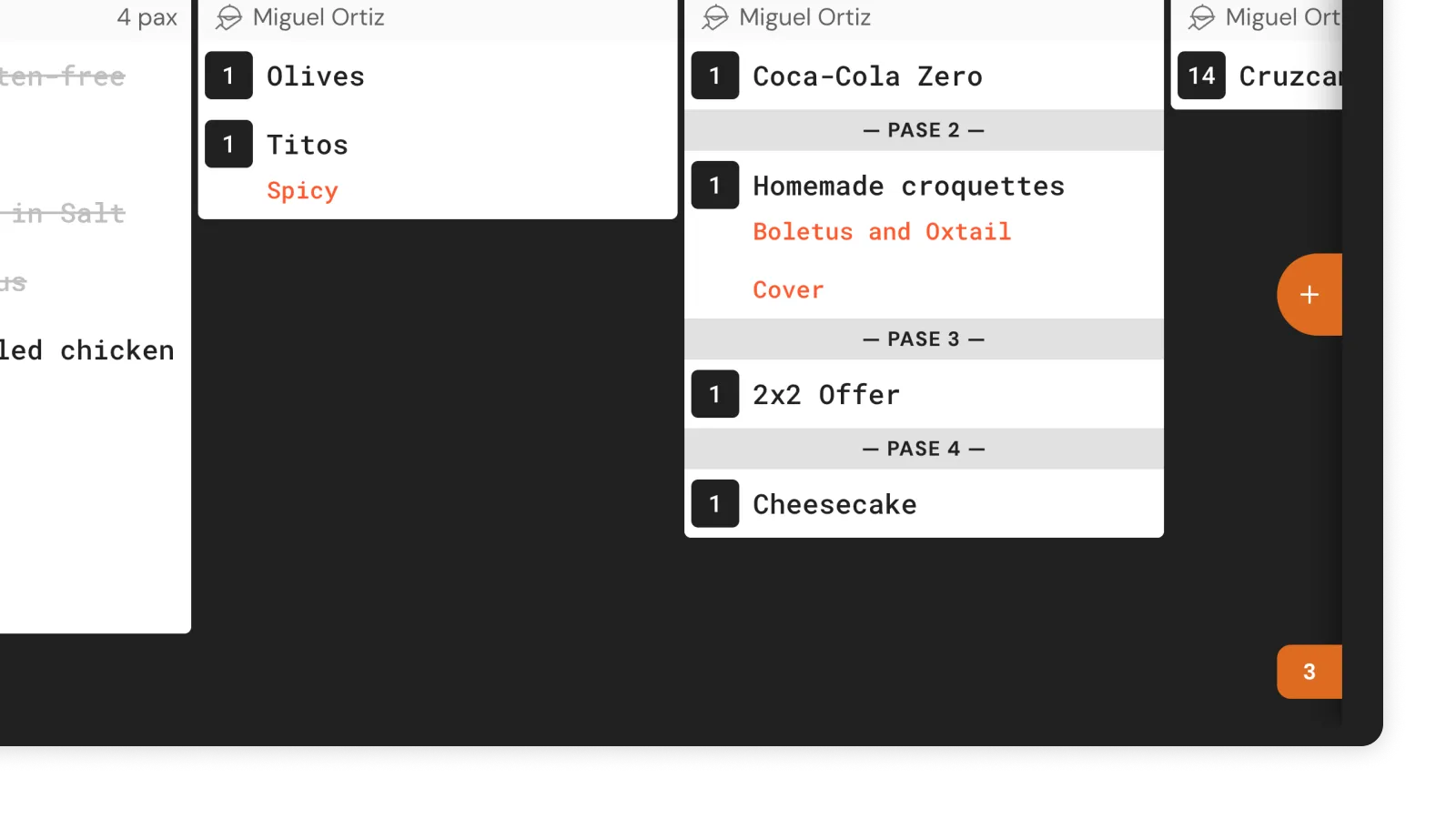
POS, Waiter App, QR and delivery reach the KDS with full detail for each dish and a channel identifier.
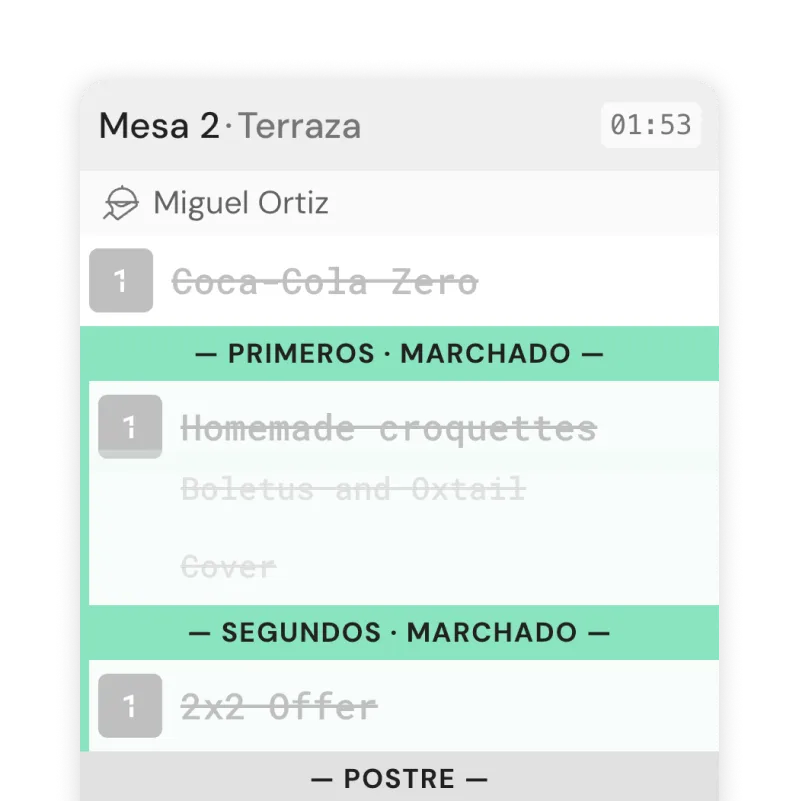
Order statuses on the KDS

Statuses on screen

Pending, in prep, ready. The cook taps to change status and the order moves along. When everything is ready, the ticket completes.

Automatic alert to the floor when marked ready

Automatic alert to the floor

When a cook marks 'ready' on the KDS, the waiter gets an alert on the POS or the Waiter App. No walking to the kitchen to ask.

Prep times tracked automatically

Timing tracked automatically

Every order logs real prep times. History per dish, per cook and per shift, ready to review.

Visual overload alerts on the KDS

Overload alerts

When the order load exceeds thresholds, the screen alerts the kitchen. The status also shows on the POS and Waiter App, so the floor knows what's happening.

Separate stations

Cold, hot, desserts, bar. Each station only sees its own items. Available on the Advanced tier.
Included from 119€/month. You just provide the tablet.

The software comes with your plan. An Android tablet or HDMI screen for 100–150€ is enough to get started.

Reseñas en Google

Lo que dicen nuestros clientes

Christian Gomez

Excellent work by this company. I've experienced first-hand how their tools were implemented at our family bar — it's a turning point for the hospitality sector. I recommend their services 100%.

Eddy Zambrano Loor

Nothing to complain about. Super intuitive and easy to use, a real plus for your venue. The team are all super friendly and attentive. Centro Parc, Valencia 🫶

Jessica Lombeida

Excellent app, very easy to use. It makes the job so much easier and you serve guests faster. Simply wonderful!

Francisco Javier Lebron

I'm the owner of the Oh la lá!! pub. They're excellent in service, treatment and commitment. I'm very happy with them. Totally recommended. My business runs much better now.

Andrés Ruiz Barceló

Great service. We use it at our burger joint «Vía Trajano» and we're really happy. Service and customer support are excellent, plus they keep updating the software, improving it and polishing small details. Highly recommended.

Plan-B Terraza-Bar

The QR ordering system and POS management Qamarero offers has completely changed how we work and multiplied our productivity. Unbeatable service and work ethic.

Dani Kasumov

A 10. They make it easy to adapt everything to your business, always available, never a bad answer. Thanks to everyone, especially Pablo who's always available.

Manuel Aldana

We work with them in El Puerto de Santa María. The change was huge, plus they keep updating and improving every day. Guests order from the table and can also pay. And we can update and work from home as if we were in the café. 💯

Kelvin Martinez

Good company and a great option to speed up orders and service. Highly recommended.

Trinidad Gonzalez

Great app that's helping us serve customers faster. Whenever we have a question they sort it out straight away. Great team.

FREQUENTLY ASKED QUESTIONS

Frequently asked questions

What hardware do I need?

An Android tablet or an HDMI screen. 100–150€ is enough. The software is already included in your plan.

How long does setup take?

About 10 minutes, with your Account Manager on the phone guiding the process.

Does it work without internet?

It works on the restaurant's local network. If the internet goes down, the only thing interrupted is sync with external channels (delivery, aggregators).

Can I have multiple screens for different stations?

Yes, on the Advanced tier. Each station (cold, hot, desserts, bar) only sees its own items.

What's the advantage over other kitchen screens?

Qamarero integrates the KDS with the POS, delivery, QR and digital menu natively. It's not a standalone screen — it's part of the same system you already have.

Does it replace kitchen printers?

In the kitchen, yes. Some restaurants keep printers at the bar for drinks. You decide.

How does the waiter know the dish is ready?

When a cook marks 'ready' on the KDS, the waiter gets an alert on the POS or the Waiter App.

Can I recover an order completed by mistake?

Yes. The recall function brings the order back into the active workflow.
COMPLETE ECOSYSTEM

Connected with everything else.

Each module activates when you need it. No third-party integrations.

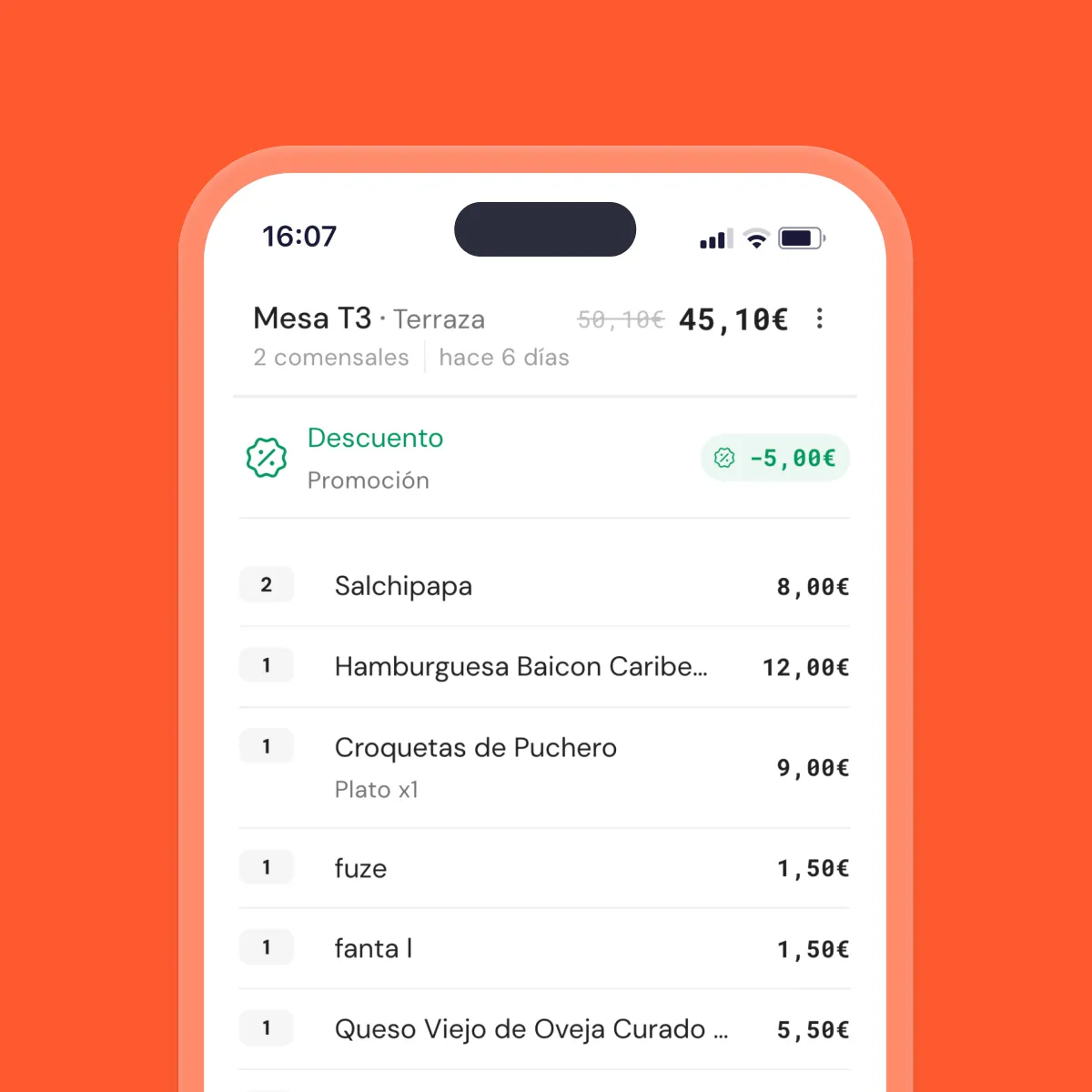
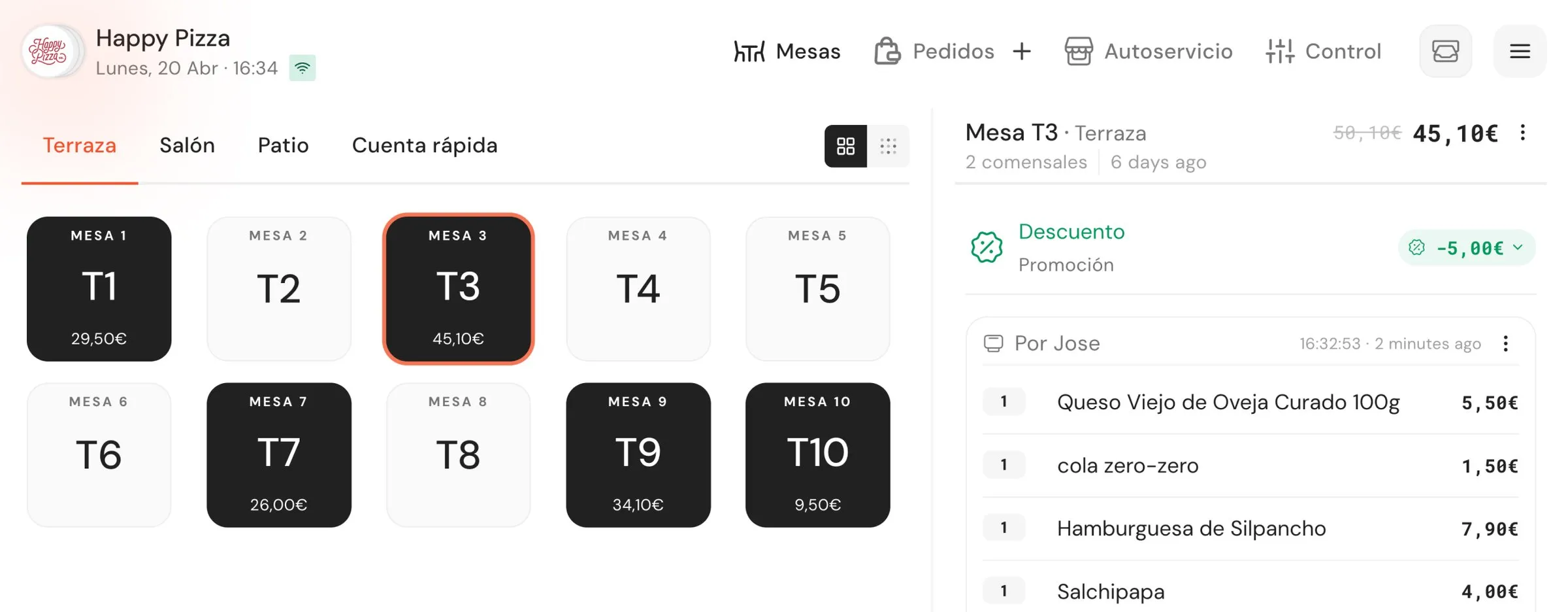
Qamarero POS screen managing a table service

Charge, order and close the till

One system for the floor, kitchen and all your channels. Fewer order mistakes, cash close in half the time.

Restaurant POS

Your menu, inside your POS

Change a price on the POS and the menu updates instantly across every table. With all 14 allergens, in three languages and with photos of y…

QR Digital Menu
Waiter taking an order from their phone at the guest's table

Your team takes orders from their phone

Any phone becomes an order pad. Take orders tableside, send to the kitchen in real time, charge from the app. No per-device licences.

Digital Order Pad
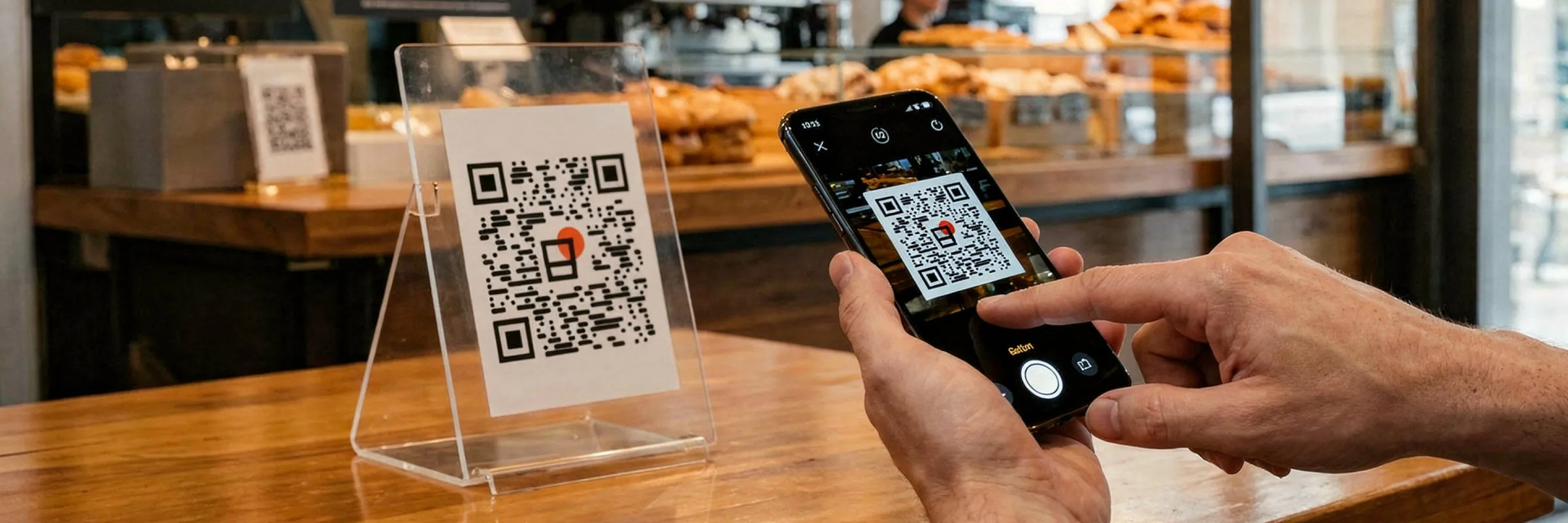
Guest ordering from their phone by scanning the table QR

Let them order and pay from their phone

They scan the table QR, browse the menu, confirm and pay. The order enters your POS and kitchen. Your team serves, not takes notes.

Order & Pay at the Table

Want to see it with your menu?

15 minutes with your actual menu, no strings attached.

I want my KDS in 15 min
Logos institucionales: Kit Digital, Unión Europea, Red.es, Gobierno de España Ganador territorial Premios Emprende CaixaBank 2025