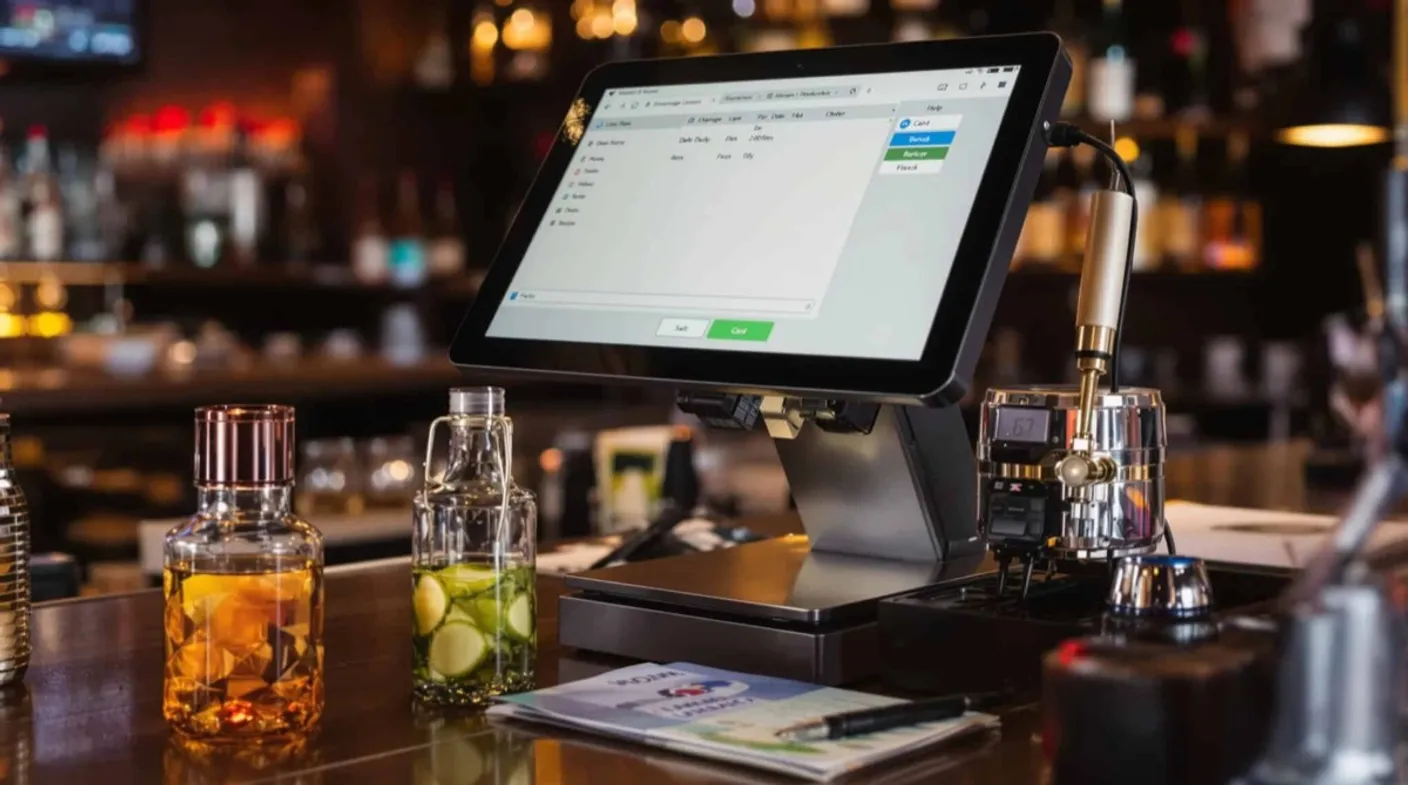
If you’re running a small bar, you know that every second counts when it comes to service speed and accuracy. The wrong POS system can turn your busiest nights into operational nightmares, while the right one transforms your establishment into a well-oiled machine that maximizes profits and keeps customers coming back.
In this guide, we’ll break down everything you need to know about finding the perfect POS system for your small bar. From must-have features that’ll save you time and money to real-world implementation tips that’ll prevent headaches down the road, you’ll discover how to make this critical decision with confidence.
Why small bars need specialized POS systems
Running a bar involves orchestrating complex operations that generic POS systems can’t handle effectively.
Inventory Complexity: You’re managing precise pours of premium spirits, monitoring draft beer freshness, and calculating costs to fractions of ounces. When a customer orders a Long Island Iced Tea with five spirits, your POS must automatically deduct exact amounts and calculate accurate profit margins.
Speed Requirements: During rush hours, bartenders process dozens of simultaneous transactions—cash, card, and tab additions. A restaurant POS taking 30 seconds per transaction kills momentum when twenty people are waiting at the bar.
Compliance Demands: Bars operate in a heavily regulated industry requiring seamless age verification, transaction reporting, and liquor license compliance without operational slowdowns.
Financial Impact: Industry data shows bars lose 20% of alcohol inventory to over-pouring, spillage, and theft. Specialized bar POS systems can reduce these losses by up to 75%.
Sarah, who owns a Portland craft cocktail bar, discovered $800 monthly losses after switching from a basic restaurant POS to a bar-specific system. The specialized system’s precise tracking revealed exactly where profits were disappearing.
Your bar’s success depends on operational efficiency, accurate cost control, and seamless customer experience. While generic POS systems seem cheaper upfront, hidden costs from inefficiency, inventory loss, and customer frustration quickly exceed investing in the right system from the start.
Essential bar POS features: inventory, tabs, and staff tools
When evaluating POS systems for your bar, certain features separate the game-changers from the deal-breakers. Here’s what you absolutely need to look for:
Inventory and recipe tracking
This is where bar POS systems truly shine. Your system should automatically calculate ingredient costs for every drink, tracking usage down to quarter-ounces. When someone orders a Manhattan, the POS should know that drink uses 2 oz of whiskey, 1 oz of sweet vermouth, and a splash of bitters, and it should deduct these exact amounts from your inventory in real-time.
Look for systems that support recipe modifications too. If a customer wants their martini extra dirty or their Old Fashioned with rye instead of bourbon, your POS should adjust ingredient tracking and pricing accordingly. The best systems even track garnishes—yes, those expensive Luxardo cherries add up.
Pour cost analysis is another crucial component. Your POS should generate reports showing theoretical vs. actual usage, helping you identify over-pouring, waste, or potential theft. Some advanced systems integrate with smart pour spouts that automatically measure and record every pour, virtually eliminating discrepancies.
Tab and payment processing
Bars live and die by efficient tab management. Your POS needs to handle multiple payment methods seamlessly—credit cards, mobile payments, and good old-fashioned cash. But more importantly, it needs to manage open tabs effortlessly.
Customers should be able to start tabs with credit cards, add drinks throughout the night, and close out quickly when they’re ready to leave. The system should prevent duplicate charges, handle tip adjustments smoothly, and process split payments without breaking a sweat.
Integration with modern payment processors is non-negotiable. Your customers expect to tap their phone or card and move on. Systems that support Apple Pay, Google Pay, and contactless payments aren’t just convenient—they’re essential for maintaining service speed during busy periods.
Staff management features
Your POS should function as a comprehensive staff management tool. Time clock integrationlets employees punch in and out directly through the system, automatically calculating hours, overtime, and labor costs against sales data.
Role-based access controls ensure bartenders can ring up sales but can’t access sensitive financial data or void transactions without manager approval. This feature alone prevents most internal theft and unauthorized discounts.
Sales tracking by employee reveals your top performers and identifies training opportunities. Some bartenders consistently upsell premium spirits or generate higher check averages—your POS data should help you recognize and reward these behaviors while coaching others to improve.
Top POS systems for small bars: Qamarero, Toast, and more
The POS market is flooded with options, but only a handful truly understand the bar business. Here are the systems that consistently deliver for small bar owners:
Qamarero deserves serious consideration for establishments prioritizing comprehensive business management. This all-in-one hospitality software goes beyond basic POS functionality, offering integrated solutions for inventory management, staff scheduling, compliance tracking, and financial reporting, all designed specifically for bars and restaurants. Their unified approach means you’re not juggling multiple software subscriptions or dealing with integration headaches.
Toast leads the pack for bars serious about inventory control. Their liquor-specific features include automated pour cost calculations, variance reporting, and integration with popular inventory apps. Toast’s speed during peak hours is impressive—transactions process in under 10 seconds, keeping your service flowing smoothly. The downside? It’s pricey, with monthly fees that can stretch small bar budgets.
Lightspeed offers excellent customization for craft cocktail bars. Their recipe builder handles complex drinks with ease, and their reporting features provide deep insights into profitability by drink category. Lightspeed’s tablet-based system is intuitive for staff, reducing training time. However, their customer service can be hit-or-miss, particularly during setup.
Revel excels in multi-location management, making it perfect if you’re planning to expand. Their inventory tracking is robust, and they offer excellent third-party integrations with accounting software and marketing tools. The learning curve is steeper than competitors, but the functionality justifies the effort.
Square remains the go-to for budget-conscious bar owners. While not as feature-rich as specialized bar systems, Square’s affordability and reliability make it viable for simple operations. Their recent updates include better inventory tracking and improved reporting, though they still lag behind in specialized bar features.
TouchBistro (despite the name) handles bars surprisingly well. Their interface is clean, transactions are fast, and their customer support is outstanding. They’re particularly strong in integration capabilities, connecting seamlessly with popular bar management apps.
The key is matching system capabilities to your specific needs. A high-volume sports bar requires different functionality than an intimate craft cocktail lounge. Consider your menu complexity, peak volume periods, and growth plans when making your decision.
POS implementation guide: hardware setup and staff training
Getting your new POS system up and running smoothly requires planning, patience, and attention to detail. Rush the implementation, and you’ll pay for it with frustrated staff and operational headaches during your busiest nights.
Hardware and equipment needs
Start with your physical setup. Most modern POS systems run on tablets or touchscreen terminals, but bars need ruggedized hardware that can handle spills, sticky fingers, and the occasional frustrated tap. Look for IP54-rated devices at minimum—they’ll survive the inevitable beer splash.
Your terminal placement is critical. Position screens where bartenders can access them easily without blocking customer interaction or workflow. Many successful bars use dual terminals, one at each end of the bar, to prevent bottlenecks during rush periods.
Don’t skimp on peripheral equipment. A fast receipt printer (at least 250mm/second print speed) prevents customers from waiting. Your cash drawer should open reliably—nothing kills momentum like manually prying open a stuck drawer while customers wait. Invest in a quality barcode scanner if you’re tracking individual bottles: the time saved during inventory counts pays dividends.
Network infrastructure matters more than most owners realize. Your POS system needs reliable internet for cloud syncing, payment processing, and real-time inventory updates. Install a business-grade router with backup connectivity—mobile hotspot capabilities can save you when your primary internet fails on the worst possible night.
Staff training and onboarding
Your staff can make or break your POS implementation. Start training before going live—stressed bartenders learning new systems during Saturday rush isn’t a recipe for success.
Begin with your most tech-savvy employees as “super users”. They’ll learn the system thoroughly, then help train others. This peer-to-peer approach often works better than formal training sessions, especially with younger staff who learn by doing.
Create simple reference cards for common tasks: opening tabs, processing payments, voiding items, and closing out. Laminate these cards and keep them behind the bar during the first few weeks. Even confident staff appreciate quick references when muscle memory hasn’t developed yet.
Plan your rollout strategically. Many bars roll out new systems on slower weekdays, gradually adding complexity. Start with basic transactions, then introduce advanced features like inventory tracking and detailed reporting once everyone’s comfortable with core functions.
Expect resistance from veteran staff—they’ve mastered the old system and change feels threatening. Address concerns directly and emphasize how the new system makes their jobs easier, not harder. Show them how faster transactions mean better tips and less stress during busy periods.
Choose the right bar POS system for operational success
Choosing the right POS system for your small bar isn’t just about processing payments—it’s about transforming your entire operation from reactive to proactive. The right system becomes your silent partner, tracking every ounce poured, every dollar earned, and every opportunity for improvement.
As you evaluate options, remember that the cheapest system rarely delivers the best value. Focus on functionality that matches your specific needs, total cost of ownership over time, and the vendor’s commitment to ongoing support and development.
Your bar deserves technology that works as hard as you do. Whether you choose a comprehensive solution like Qamarerothat handles all aspects of bar management, or prefer specialized point-of-sale systems with strong bar-specific features, the key is making a well-informed choice based on your unique requirements.
Frequently Asked Questions
How much does a POS system for a small bar typically cost?
Monthly subscriptions range from $69 to $300+ depending on features, plus hardware costs starting around $1,200 for basic setups. Transaction-based pricing charges 2.6% to 3.5% per transaction. Consider total cost of ownership over 2-3years when budgeting.
Can a bar POS system help reduce inventory loss and theft?
Yes, specialized bar POS systems can reduce alcohol inventory losses by up to 75% through precise pour tracking, recipe costing, and variance reporting. They help identify over-pouring, waste, and potential theft by comparing theoretical versus actual usage.
Do I need internet connection for my bar POS system to work?
Most modern POS systems require internet for cloud syncing, payment processing, and real-time updates. Ensure you have reliable business-grade internet (at least 25 Mbps) and consider backup connectivity options to prevent downtime during busy periods.